
How to Sign Up, Log In, and Use ChatGPT (A Step-by-Step Guide With Pictures)
A simple, step-by-step guide for people over 40 on how to sign up, log in, and start using ChatGPT with confidence. No jargon, no confusion — just clear steps.
11/30/20254 min read


How to Sign Up, Log In, and Use ChatGPT (A Step-by-Step Guide With Pictures)
If you’re over 40 and completely new to AI, this is the perfect place to start.
This guide will walk you through:
✔ creating your ChatGPT account
✔ logging in safely
✔ understanding the interface
✔ sending your first message
✔ what to try next
Everything is explained simply.
No jargon.
No pressure.
No “you should already know this.”
You’re the hero here.
I’m simply your guide, making this new world easy to step into.
Why You Don’t Need to Feel Nervous About Starting AI
Almost everyone over 40 I speak to tells me the same thing:
“I want to learn AI, but I don’t want to feel stupid.”
Here’s the truth:
You’re not stupid.
You’re not late.
You’re not behind.
You are actually early — because MOST people over 40 still haven’t taken this first step.
And once you see how simple it is, you’ll feel confident immediately.
Step 1: Go to the ChatGPT Website
On your phone, tablet, or computer, type:
You’ll see a clean white page that looks something like this:
Nothing complicated.
Just two buttons: Log in or Sign up.
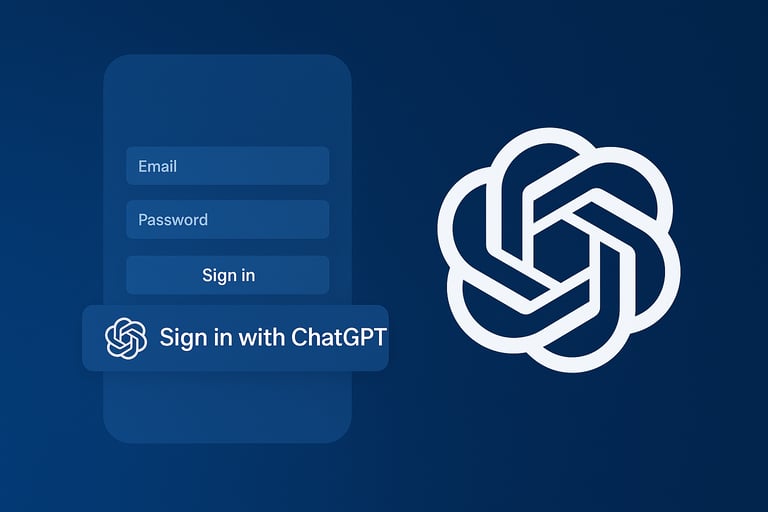
Step 2: Click “Sign Up”
Press the Sign up button.
You’ll now see a screen asking you to choose how you want to create your account:
Email
Google
Apple
If you want the easiest option: choose Continue with Google.
If you prefer email:
type your email
create a password
click continue
That’s it. No tricks.
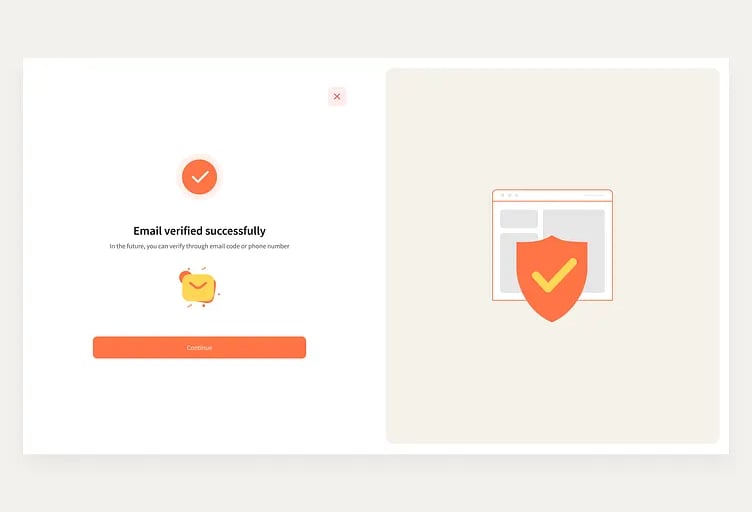
Step 3: Confirm Your Email (If Using Email Sign-Up)
If you signed up using your email, check your inbox for a message from OpenAI.
Click Verify Email.
This simply proves it’s really you.
Step 4: Tell ChatGPT Your Name
You’ll be asked for:
your first name
your last name
This is only so ChatGPT knows how to address you.
No complicated forms.
Nothing personal.
Nothing to worry about.
Step 5: Let ChatGPT Know Your Age Bracket
You’ll then see a screen asking you to confirm you’re over 18.
Just click Yes.
This is a safety step for all new accounts.
Step 6: You’re In! Here’s What You’ll See
Welcome to the main ChatGPT screen.
It looks like a simple chat window — because that’s all it is.
On the left, you’ll see:
a menu
recent chats
settings
In the middle, you’ll see:
a large empty space
a box at the bottom
a blinking cursor
This is where the magic happens.
Step 7: Type Your First Message
Here is the exact sentence I want you to copy and paste:
“Hi ChatGPT, I’m brand new to AI. Please guide me slowly and clearly.”
Press Enter.
You’ve just taken your first step into using AI.
Well done.
Step 8: How to Ask ChatGPT a Question Properly
There is NO wrong question.
ChatGPT never judges.
Here’s a simple formula you can use:
WHO + WHAT + HOW YOU WANT IT
Examples:
➡ “I’m a beginner. Explain this step-by-step.”
➡ “I’m over 40. Please use simple language.”
➡ “I don’t understand this. Break it down for me.”
This is your secret weapon.
With this one formula, AI becomes 10x easier.
Step 9: Try These 5 Starter Prompts
These are perfect for absolute beginners:
1.
“Create a simple to-do list for me today.”
2.
“Explain what AI is, using no jargon.”
3.
“Help me plan my meals for the week.”
4.
“Rewrite this message to make it polite: …”
5.
“Create a weekly schedule for someone working long hours.”
Each one gives you a fast, confidence-boosting win.
Step 10: What You Can Do Once You’re Logged In
Here are the real-life wins my audience told me AI helped them with:
writing emails
planning meals
organising their week
creating shopping lists
learning new skills
saving hours of time
understanding confusing topics
becoming more confident with technology
And the best part?
You can’t break anything.
You can’t delete anything important.
You can’t “mess up.”
ChatGPT is there to help — not to judge.
Common Sign-Up Questions People Over 40 Ask Me
“Is it safe?”
Yes. This is the official OpenAI website.
“Does it cost money?”
There’s a free version.
You don’t need the paid plan.
“Do I need a phone number?”
Sometimes ChatGPT asks for one to verify your identity.
It’s normal.
“Can I change my account later?”
Yes, anytime.
“What if I forget my password?”
You can reset it like email, Facebook, or anything else.
You’re Not Behind You’re Early
This part matters.
Most people your age are still thinking about trying AI.
You’ve actually done it.
You’re ahead.
You’re capable.
You’re learning something that will save you time, stress, and energy for the rest of your life.
And this is just the beginning.
Want Help With Your First Real AI Task?
If you want simple, friendly tutorials delivered straight to your inbox, grab my free starter guide:
👉 Get the Free AI First Steps Guide
(For absolute beginners over 40 who want easy wins.)
You’ll learn:
how to make AI plan your week
how to write emails faster
how to save hours with simple prompts
All in calm, clear language.








Connect With Us
Socials:
Contact
If you need help or have questions, reach out any time:
📧 hello@aibeyondforty.com
© 2025 AI Beyond Forty. All rights reserved.
AI Beyond Forty
Helping people over 40 learn AI with simple, friendly guidance.
No jargon, no pressure — just clear steps to help you feel confident with technology.